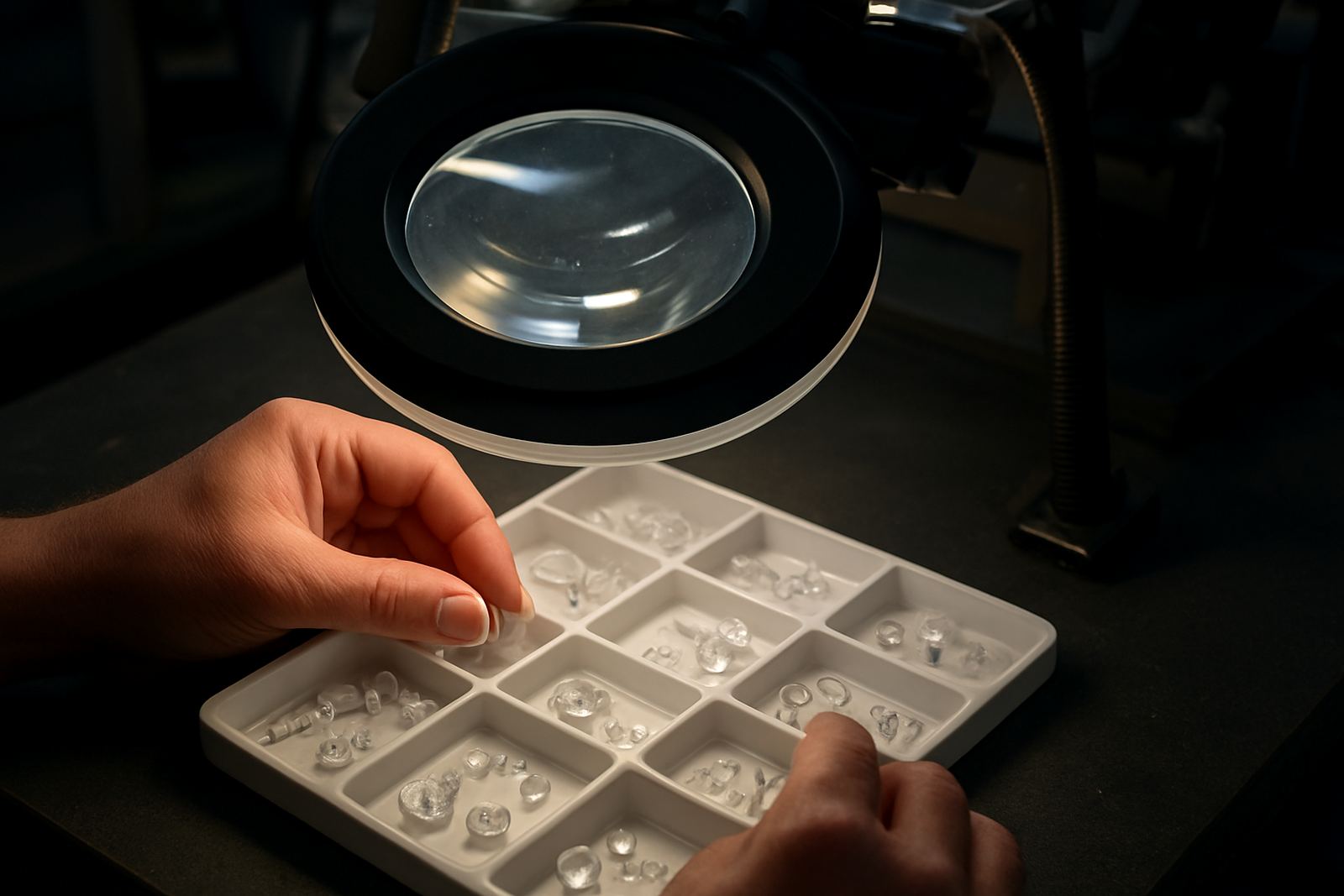

Why dirty optics show up on the mark before they show on the lens
When a lens or protective window starts to collect dust, resin mist or fine particles, the first sign is often not on the optic itself but on the part being marked. The text may look uneven, edges can soften and fine details may lose clarity. In glass and plastics work, that can mean rejected parts, rework and a line that keeps stopping for checks.
In a Jet Park plant or a plastics converter in Germiston, optics often pick up more contamination than people expect. Airborne dust from packing areas, release agents from moulding, and residue from nearby machining all settle on the optical path. If the system runs through load-shedding recovery cycles or in a warm room with open doors, that dust can shift and stick even faster.
- Dull or patchy marking on the same job that used to run cleanly.
- Extra heat around the marking area without any change in settings.
- More frequent cleaning needed to maintain the same result.
Start with the right cleaning process, not the strongest solvent
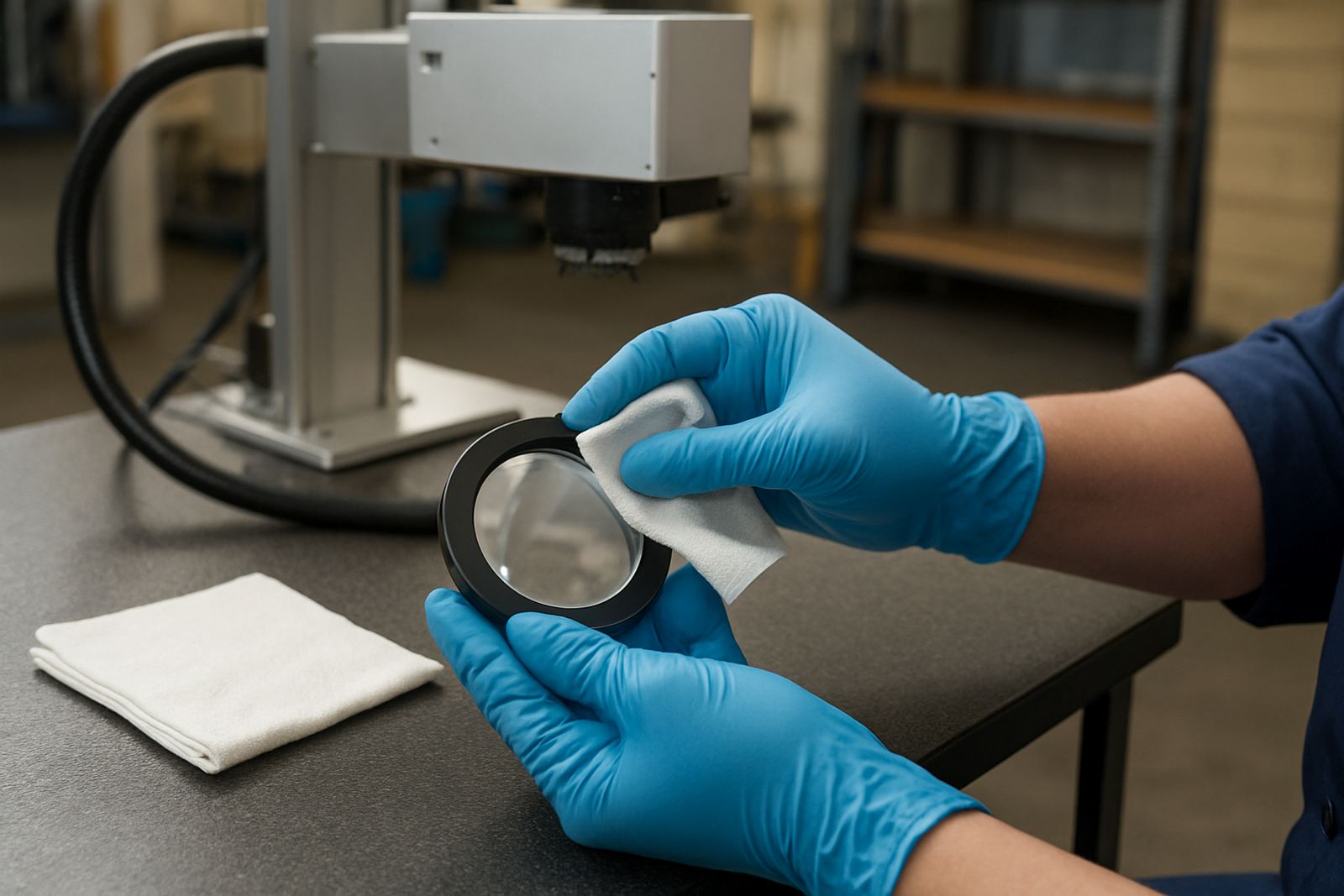
The safest way to clean optics is to remove loose contamination first, then deal with any remaining film using the mildest method that works. A dry air blower made for optical work, lint-free wipes and approved cleaning fluid are usually enough for routine care. Strong solvents can leave residue or attack coatings and that risk is not worth it.
Before touching anything, power down the machine, let the area settle and make sure you know which surface you are cleaning. Some systems have a protective cover glass or window that can be cleaned regularly, while the actual lens should only be handled by trained staff. If there is any doubt, stop and check rather than guess.
- Wear clean gloves so skin oils do not transfer to the surface.
- Use a fresh wipe for each pass, not the same cloth over and over.
- Wipe in one direction with light pressure, do not scrub.
- Replace consumables before they become rough or contaminated.
What not to do when a lens looks cloudy
Most optic damage happens during rushed cleaning, not during normal running. A hard cloth, paper towel or a bit of workshop rag may seem harmless, but one trapped particle can leave a scratch that scatters the beam every time the machine fires. That kind of damage can shorten the life of the optic and make the mark less repeatable.
Avoid compressed air from an oily or dirty source, and do not use general purpose cleaners unless they are specifically approved for optical surfaces. In a busy production area in Benoni or Alberton, it is tempting to grab whatever is on the shelf and move on. That shortcut can cost more than a proper cleaning kit and a few minutes of carefull work.
- Never touch the coated face with bare fingers.
- Do not rotate a dirty wipe across the surface.
- Avoid solvents that leave a film after drying.
- Do not clean while the machine is still hot unless the procedure allows it.
How to keep optics cleaner for longer between service visits
Routine cleaning is only part of the job. If optics keep getting dirty too quickly, the problem is usually around the machine rather than in the lens itself. Check for dust ingress, poor extraction, open doors near the marking point or materials that release fine residue during handling. A small change in the work area can make a real difference.
For lines running in Midrand or Pretoria, where some plants have long production days and mixed dust conditions, it helps to set a fixed check schedule. Clean only what needs cleaning, record what was done and note any change in marking quality. That makes it easier to spot a pattern before it turns into downtime.
- Keep the machine covered when it is not in use.
- Store wipes and fluid in a sealed clean container.
- Inspect the protective window at planned intervals, not only when a fault appears.
- Track how often cleaning is needed so recurring issues can be traced.
A local example from a Boksburg production line
A plastics client near Jet Park was seeing fading on small coded marks after every few shifts. The team assumed the settings had drifted, but the issue was a build-up of fine dust on the protective window and a nearby extractor that was no longer pulling air properly. Once the window was cleaned correctly and the airflow checked, the marks returned to normal and the line stopped needing repeated manual checks.
That sort of problem is common when a site is running flat out and there is pressure to keep product moving. The fix is rarely dramatic, but it does require the right steps in the right order. Clean optics safely, then look at the source of the contamination so the same fault does not come back next week.
When to bring in support instead of cleaning again
If marks stay inconsistent after a proper clean, the issue may be alignment, contamination inside the optical path or a worn component that needs replacement. That is where a trained technician should step in. Trying to keep wiping the same surface can hide the real fault and waste valuable production time.
For South African operations, especially where downtime hits a night shift or a weekend run, the best approach is to act early. A proper inspection can check the optics, fixture, software settings and process setup together. That way the machine is not just clean, it is actually ready to run.
- Call for support if the same mark fault returns after cleaning.
- Escalate if the optic has visible scratches, haze or coating damage.
- Get help when operator cleaning no longer restores print quality.
- Use a scheduled maintenance plan if the line runs daily or in dusty conditions.