
Start With a Clean, Dry Work Area
UV marking on glass and plastics is sensitive to dust, overspray and moisture, so the first step is always housekeeping. In Jet Park, Boksburg and other industrial areas around Ekurhuleni, fine dust and humidity can build up quickly, especially on lines near dock doors or open loading bays.
Before the shift starts, wipe down the marking area, check that extractor paths are clear and make sure the machine sits on a firm, level surface. If your plant runs close to the coast or in a humid store room, leave extra time for inspection because condensation can affect optics and fixtures.
- Remove loose dust from the machine exterior and work table.
- Check that air vents and cooling paths are not blocked.
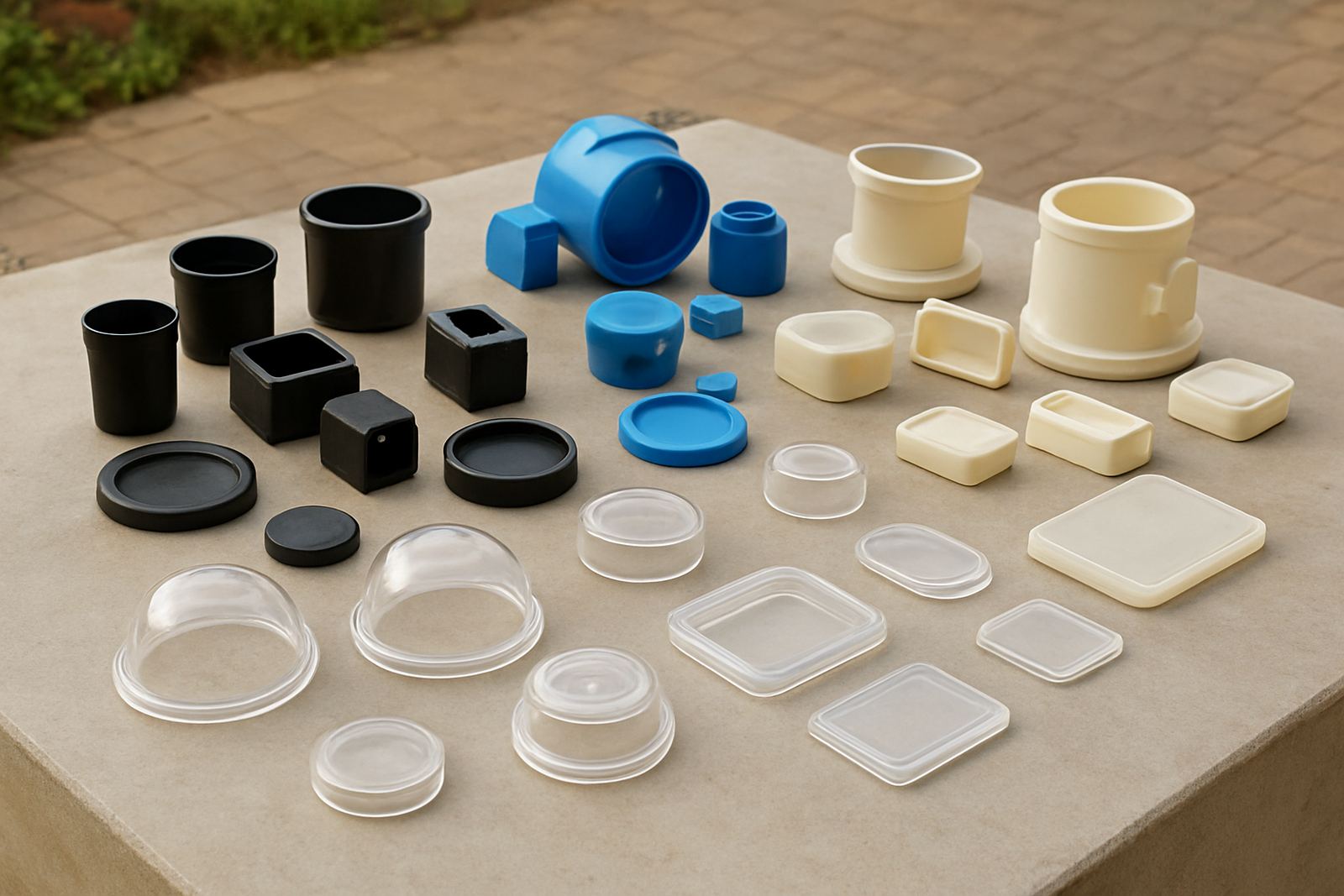
- Keep glass, acrylic and plastic samples covered until needed.
- Do not place drinks, packing tape or tools near the marking head.
Daily Checks Before You Run Production
A short pre-start routine prevents small issues from turning into stoppages later in the day. It also helps keep marking depth, contrast and positioning consistent from the first part to the last. If your team works split shifts or starts up after load-shedding, give the equipment a few extra minutes to settle before you resume production.
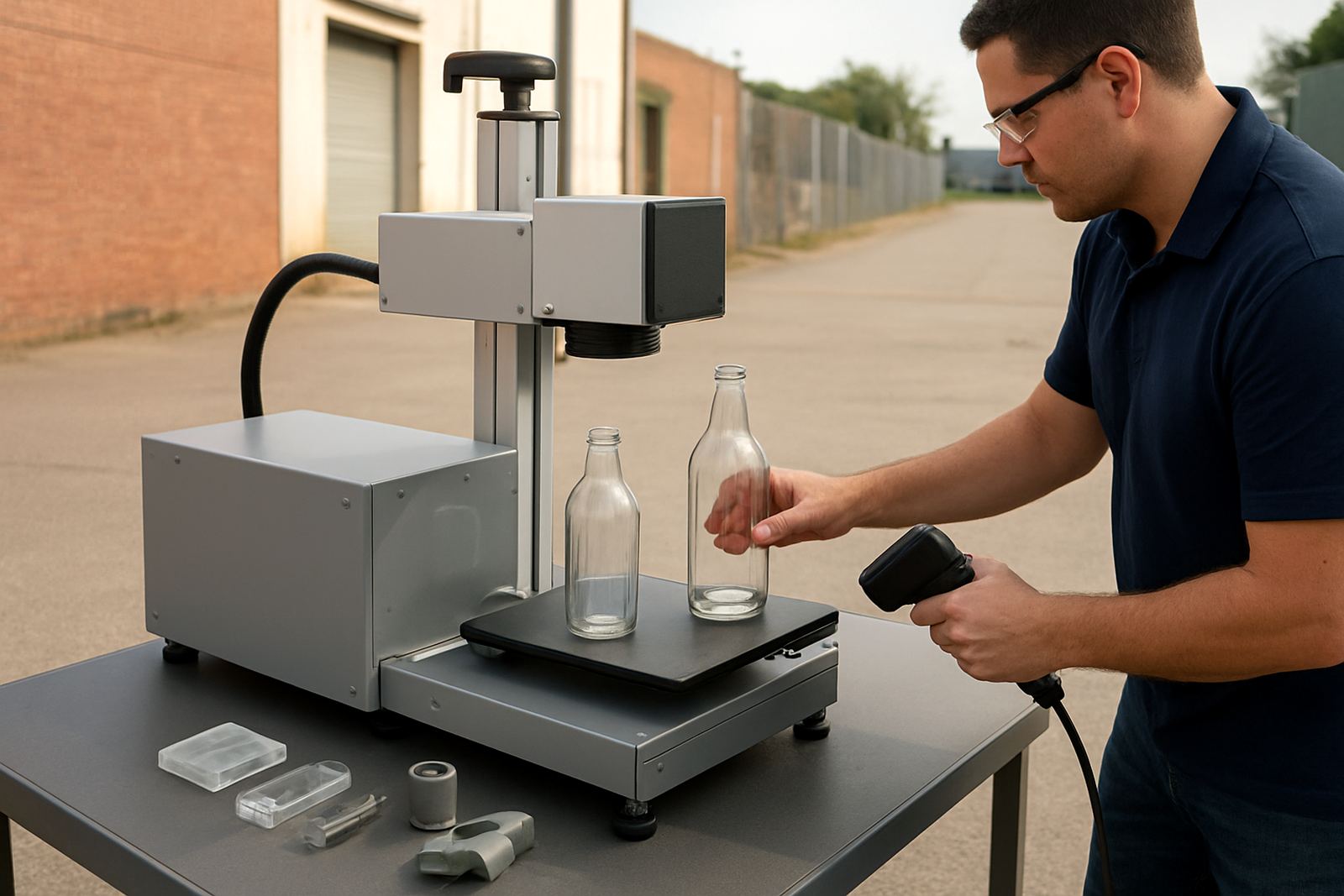
Look for warning messages, unusual noise and loose parts. Confirm that the software is opening the correct job file, the fixture is holding parts squarely and the marking area is free of fingerprints. Small handling marks on plastic can show up in the final finish, so careful loading matters. A five minute check is often enough to avoid a long repair call.
- Confirm power, network and control connections are secure.
- Check the lens, mirrors and cover windows for dust or haze.
- Run a sample mark on offcut material before full production.
- Inspect clamps, jigs and fixtures for wear or movement.
Keep Optics and Marking Surfaces in Good Order
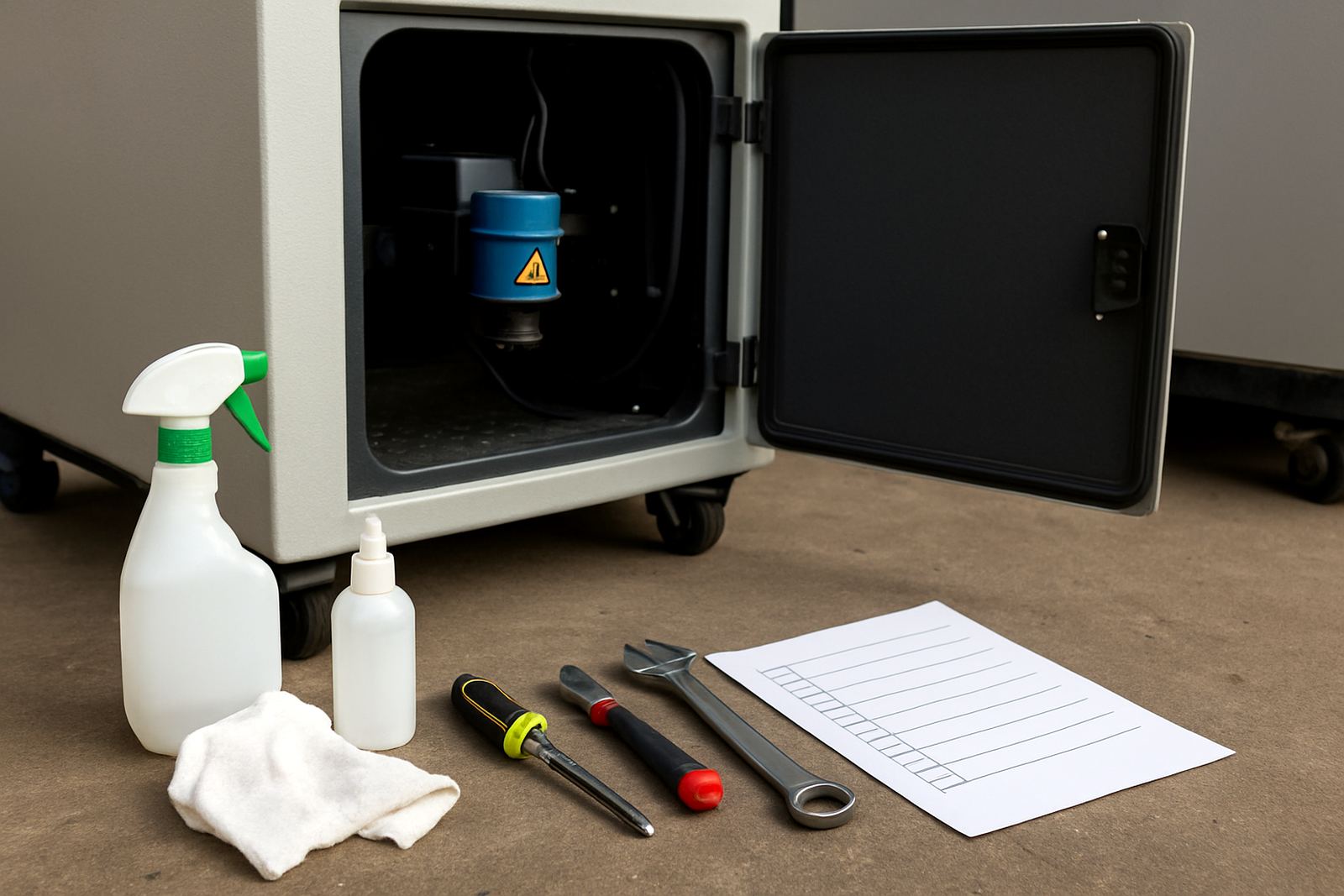
The optical path is one of the most important parts of any UV marking setup. If dust or residue builds up, the mark can weaken, shift or become uneven. Use only approved cleaning methods and handle optics carefully, because a small scratch can affect output. Never use rough cloths, and avoid touching cleaned surfaces with bare fingers.
For glass and plastics, the work surface should also stay clean and level. Adhesive residue, oil from handling and fine cutting debris can cause parts to sit wrong in the fixture. If your line handles bottles, cosmetic jars, medical components or packaged parts, clean the tooling more often than you think you need to. Better to prevent a fault than repair a line later on.
- Clean optics on a planned schedule, not only when quality drops.
- Check fixtures for chipped edges or build-up that can mark the part.
- Replace damaged covers, seals or worn holders promptly.
- Record any repeat contamination problem so it can be traced to source.
Protect the System From Power Drops and Heat
Power interruptions are a fact of life in many South African plants, so good power care is part of normal maintenance. Sudden shutdowns can upset settings, disrupt software communication and in some cases reduce component life. If your site has frequent load-shedding or generator changeover, make sure the machine is on the right supply and protected against poor power quality.
Keep the area around the unit cool and allow enough ventilation. Heat build-up can cause unstable performance, and high ambient temperatures in closed workshops around Midrand, Germiston and Alberton can make this worse in summer. If the room gets hot by midday, move heat-producing equipment away from the marking station where possible. A stable environment helps with reliability and repeatable marks.
- Use proper surge protection and backup power where needed.
- Check that cooling fans and vents are working freely.
- Shut down the machine correctly before isolating power.
- After an outage, verify job settings before restarting full production.
Set a Maintenance Routine for Operators and Supervisors
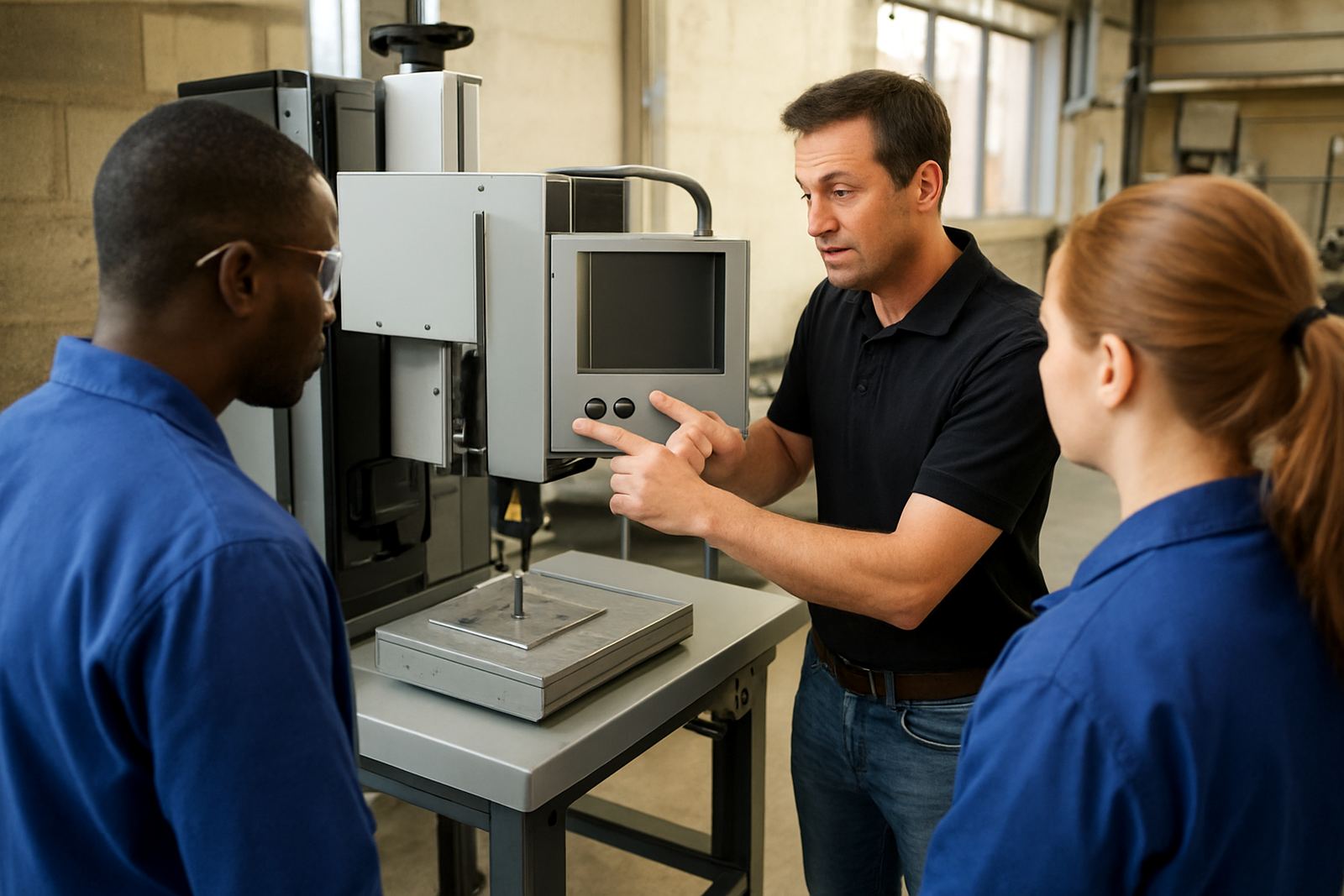
Good maintenance works best when everyone knows what to do. Operators should handle the daily checks, while supervisors keep the schedule, service notes and spare parts list in order. A clear routine also makes training easier for new staff, especially on busy sites in Benoni, Kempton Park and Pretoria where teams can change from one shift to the next.
Keep a simple logbook or maintenance sheet near the machine. Record cleaning, faults, repairs, sample results and software changes. That way, when a mark goes out of spec, you can see whether the issue started after a fixture change, a power event or a software update. Good records save time and prevent guesswork.
- Assign daily, weekly and monthly tasks to named people.
- Log every breakdown, even if the fault clears quickly.
- Keep approved consumables and spare parts in stock.
- Review recurring faults during the monthly production meeting.
When to Call for Site Support or Training
Some issues need more than routine cleaning or a restart. If marks are drifting, software is not communicating properly, or the machine keeps stopping after a power event, bring in technical support before the fault spreads to the rest of the line. Site checks, sample testing and process optimisation can often find the real cause faster than trial and error.
Training is just as important as repairs. When operators understand fixture setup, job files and safe shutdown steps, the machine stays productive and the parts stay consistent. For businesses running nationwide, regular refresher training can help keep standards steady across multiple sites and shifts. If you are in Jet Park, Boksburg, Germiston, Kempton Park, Benoni, Alberton, Midrand or Pretoria, schedule support before a busy production run rather than after a problem has already cost time.
For larger lines, preventive maintenance and spares planning can be the difference between a short pause and a full day of lost output. That is especially true where the machine supports a packaging line, a labelling line or a high-value component process. Keep the machine ready, and it will keep producing clean results.